Screenshot overlay for focused work.
Save 30% of your working time — and reclaim your life.
A visual memory engine for founders, engineers, and designers.
Capture. Think. Move faster.
macOS & Windows • Local OCR • Privacy-First Architecture
What is 30% of your time really worth?
30% of your time is not just money.
It is freedom.
✦ More evenings with your family
✦ More time for your health
✦ More time to build something meaningful
✦ More peace of mind
✦ More life
And financially, it translates into real economic value: tangible productivity gains.
| Country | Avg Salary | Time Value (30%) | ROI |
|---|
*Based on 22 working days/month and 9 hours/day.
Calculate Your Savings
Monthly Value Saved
Hours Reclaimed
Days Reclaimed
For just a $14.99 one-time payment
Buy Lifetime License Download macOS TrialWhy SilkySnip Is Different
Most screenshot tools interrupt your workflow. SilkySnip enhances it.
Visual Retention
Screenshots float on top of your windows. No clipboard dependency, no app switching. Keep references visible while you architect.
Precision Markups
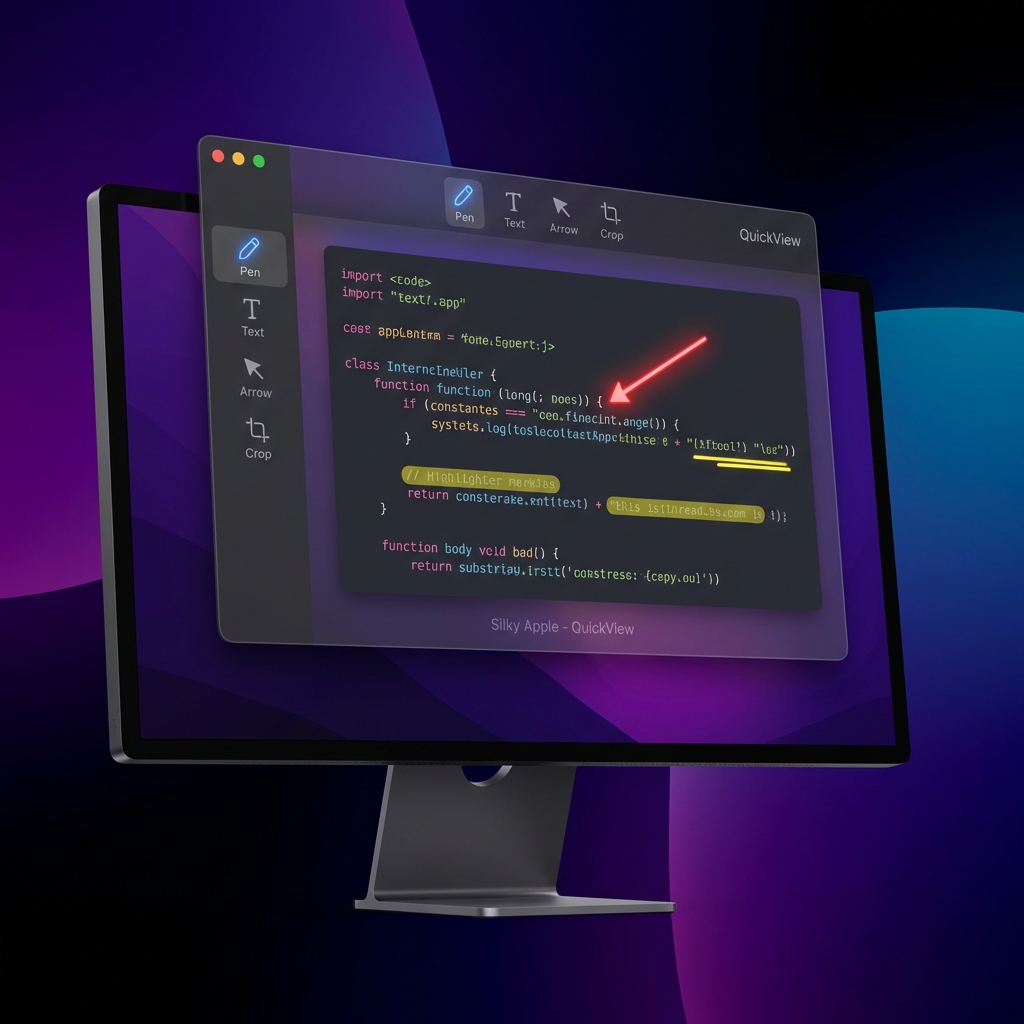
Add arrows, highlights, and text directly on the overlay. No exporting or reopening images required.
Transparent Interactivity
Click through your screenshot to interact with windows behind it. Perfect for referencing designs while coding.
Privacy Obfuscation
Hide sensitive data instantly. Protect PII, API keys, and personal info with a single click before sharing.
Opacity Control
Fade references to 50% transparency so they don't block your view but remain visible guides.
Privacy-First
Local-only processing. No cloud uploads, no accounts, no data sharing. Your screenshots stay on your device.
Instant Restore
Accidentally closed a screenshot? Restore it instantly with the global hotkey. Never lose context again.
Zero App Switching
Eliminates context switching. Keep working while the screenshot stays visible. Saves minutes every hour.
Launch details
One polished release, tuned for focused work on macOS.
macOS
Available now on macOS & Windows.
Intel & Apple Silicon supported.
Privacy-First
Captures, OCR, and overlay workflows stay on-device.
Your visual references stay in your workspace.
Fast Setup
Grant Screen Recording, then capture, restore, and annotate from one app.
Help and permissions guidance are centralized on the site.
Efficiency redefined:
Do 9 hours work in 6 hours and reclaim your time.
Engineered
for
Speed.
Offline OCR
Extract text from images instantly. Powered by local recognition engines, so your data never leaves your device.
Restore & Undo
Accidentally closed a screenshot? Use the global hotkey to bring it back instantly.
Persistent Overlay
Pin screenshots to your screen. Keep references visible while you code, write, or design.
Native Performance
Written in Swift, Kotlin, and C++ for bare-metal speed. Zero Electron bloat.
Built for Every Workflow
Developers
"I use the OCR feature to grab error codes from terminal screenshots instantly. No more retyping logs."
Designers
"Pinning reference images to the desktop while I work in Figma is a game changer. It keeps me in flow."
Students
"Capture lecture slides and annotate them on the fly. The restore feature saved me when I accidentally closed notes."
Finance
"Comparing Excel sheets vs PDF invoices is effortless. I pin the invoice on top and type data without switching windows."
Why Professionals Choose SilkySnip
| Feature | SilkySnip | Snipping Tool | Snip & Sketch | ShareX | Lightshot |
|---|---|---|---|---|---|
| Floating Overlay Workflow | |||||
| OCR text copy | |||||
| No app switching | |||||
| Local-only privacy | |||||
| Restore screenshots | |||||
| Always-on-top view |
The Best Investment You'll Make
Pay once. Own it forever.
SilkySnip Plan
one-time payment
- Unlimited Screenshots
- Unlimited OCR & Text Extraction
- Persistent Overlays
- Setup and support guidance
Need permissions help? Visit Help & FAQ for the current macOS setup flow.
Our Privacy Promise
Latest from the Blog
SilkySnip for Audit & Compliance
Why switching windows during reconciliations is costing you hours—and accuracy.
Best Screenshot Tools in 2026
A deep dive into why persistent overlays are replacing traditional snipping tools.
5 Productivity Hacks for Devs
How to use visual buffers to keep your flow state during complex debugging.
Frequently Asked Questions
Everything you need to know about SilkySnip.